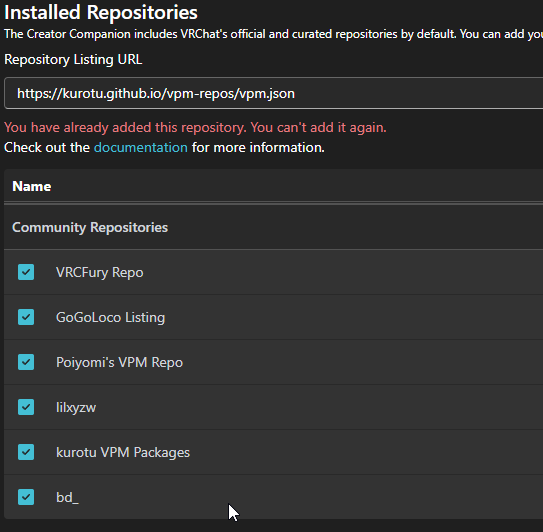
If you find yourself adding a package to a project over and over again, it might be worth adding a repository instead.
Repositories allow you to easily manage and download packages for a Unity project which can then be activated or deactivated from within VRCC. A list of popular ones can be found here: https://docs.google.com/spreadsheets/d/1vE93zcY33XUt4ahlwnw2LiQwJW-URoZgVkgvK23lnKg/edit?usp=sharing
To add a repository:
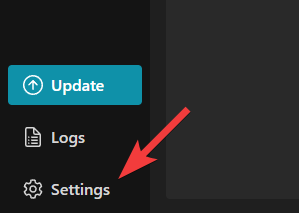
- In VRCC, go to settings.
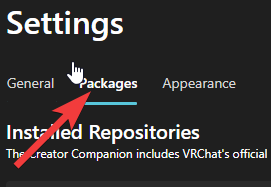
- Click “Packages”.
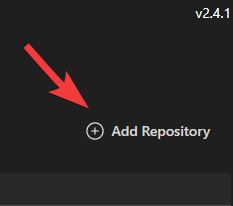
- Click “Add Repository”.
- Paste the link for a given repository you wish to add.

- Once added, you’ll then see it in the Community Repositories section just below. Make sure they’re checked!