Reference: https://www.youtube.com/watch?v=5f7-1M00XDA
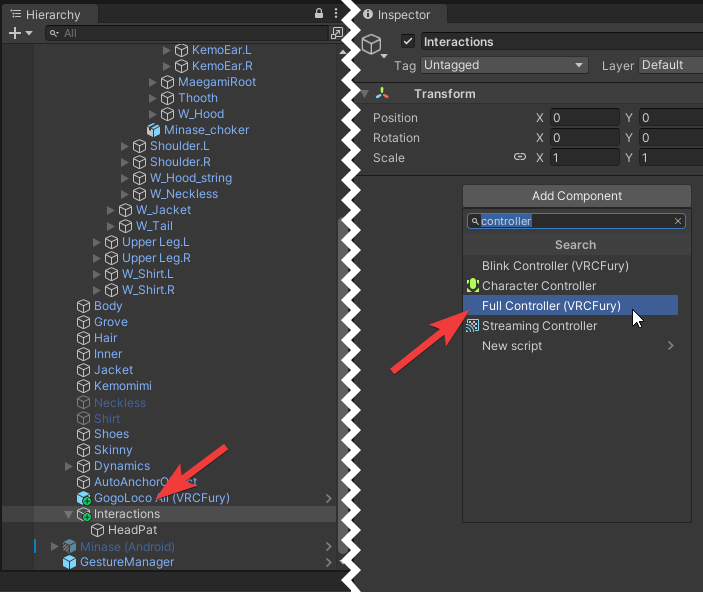
On the avatar, create an empty object to hold your interactions. In the below example, I make an empty object called interactions and child to it a new empty object for HeadPat:
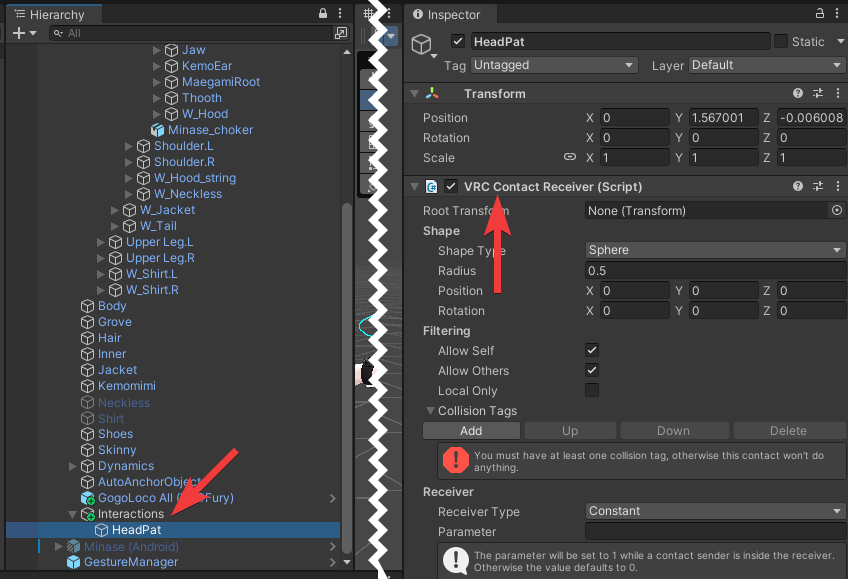
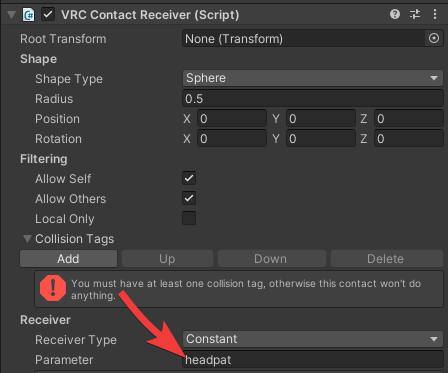
Give it a parameter so you can call upon it in the next steps:
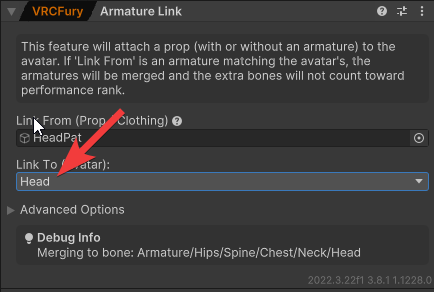
On the HeadPat object we just gave a contact receiver, add VRCFury armature link so it follows the head:
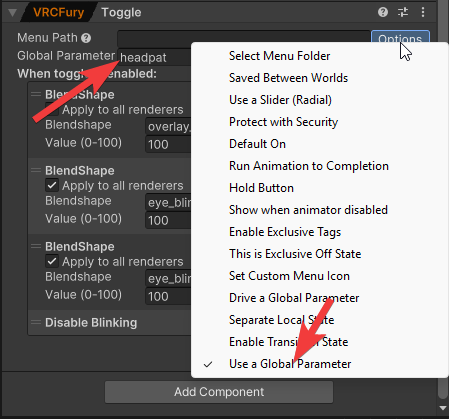
Add a toggle, then in the options select “Use global parameter”. In the global parameter field, put the parameter you made earlier. Put your desired blendshape toggles in here.
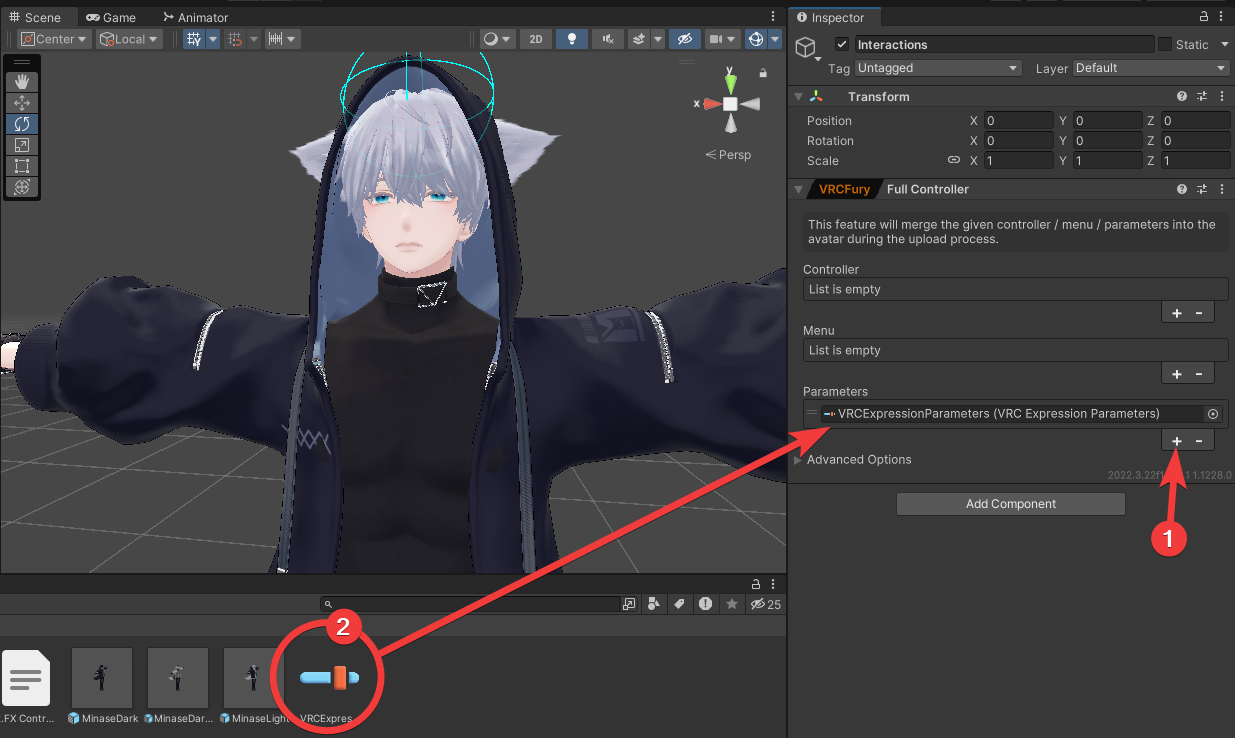
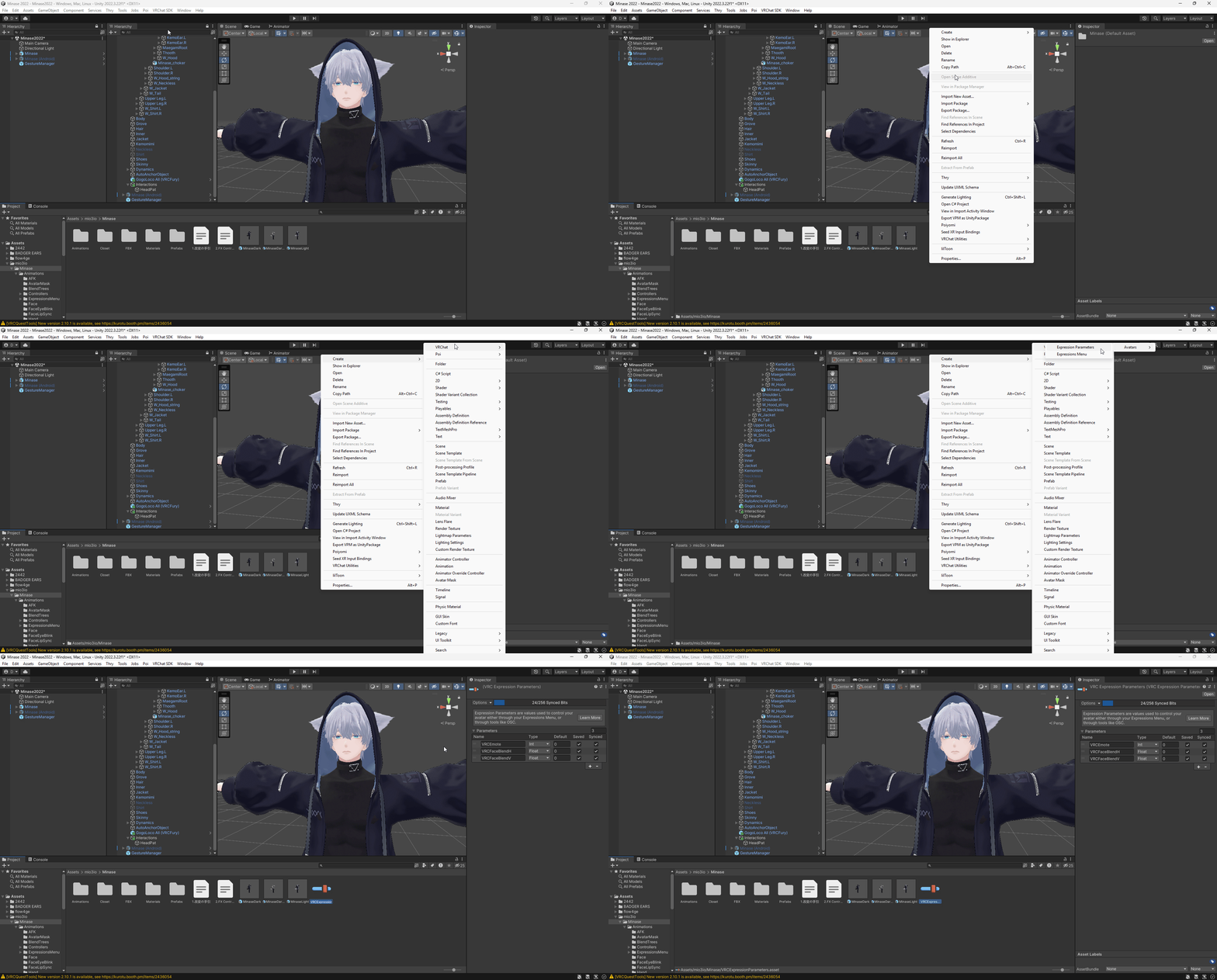
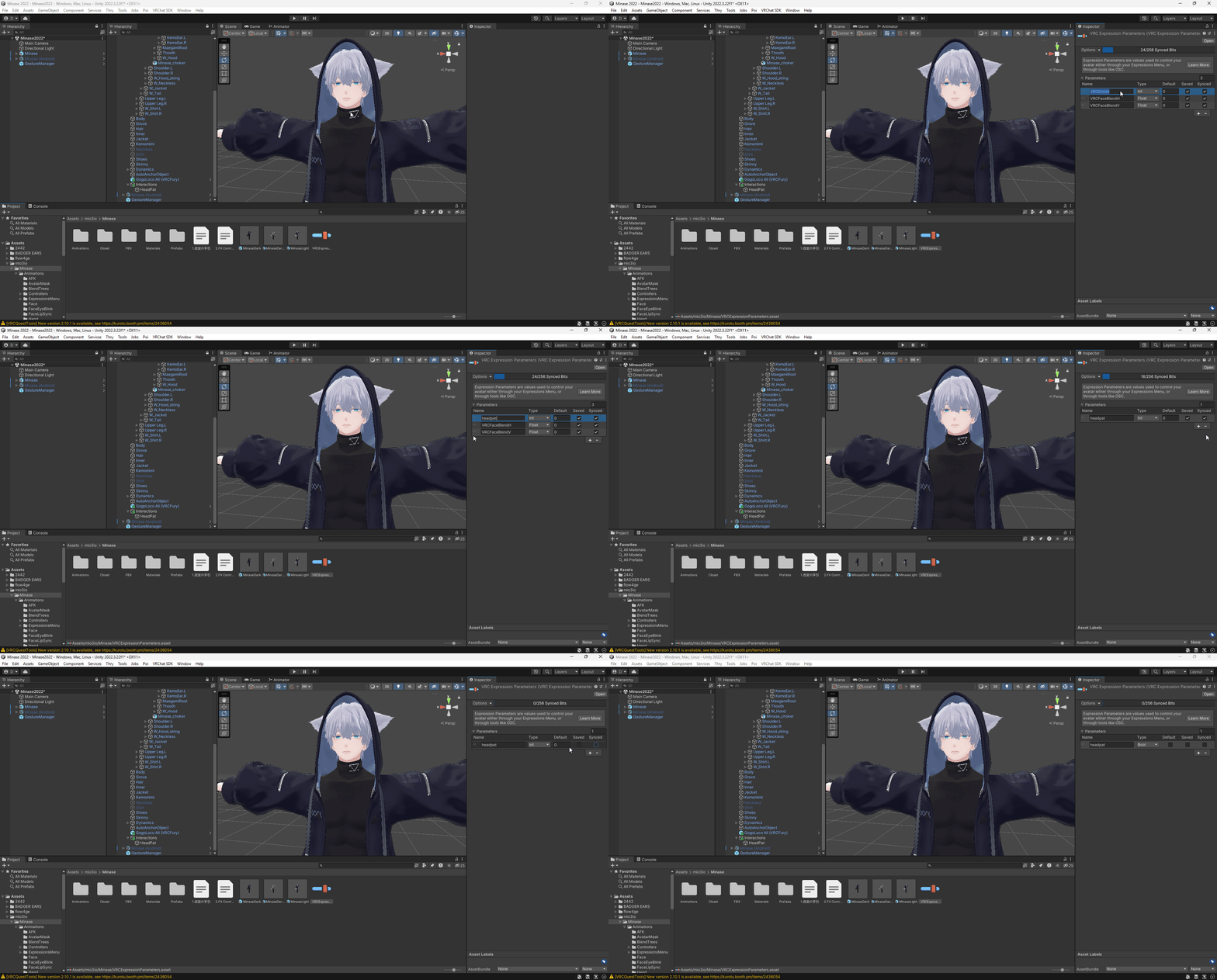
Optimization Contact receivers are automatically synced, so they don’t need to take up precious memory by constantly syncing. The way to get around this is to place these parameters into a VRC Expression parameters asset… I guess. Tip: Click one of the below images then CTRL + Click the image link to open it in its own tab to make it larger.
Lastly, add a “Full Controller” VRC Fury component to the interaction’s parent and add the parameter you just made to it.