Before You Try:
Blender does not know how to mirror weight paints without the correct bone naming. See the below documentation: https://docs.blender.org/manual/en/latest/animation/armatures/bones/editing/naming.html
In short, the name must have the correct suffix with an appropriate separator.
Valid names:
- hand.L
- upperarm.L
- hand_L
- upperarm_L
- etc.
If this condition is satisfied, mirroring weight paints should be as simple as selecting the mirror option while the brush is selected.
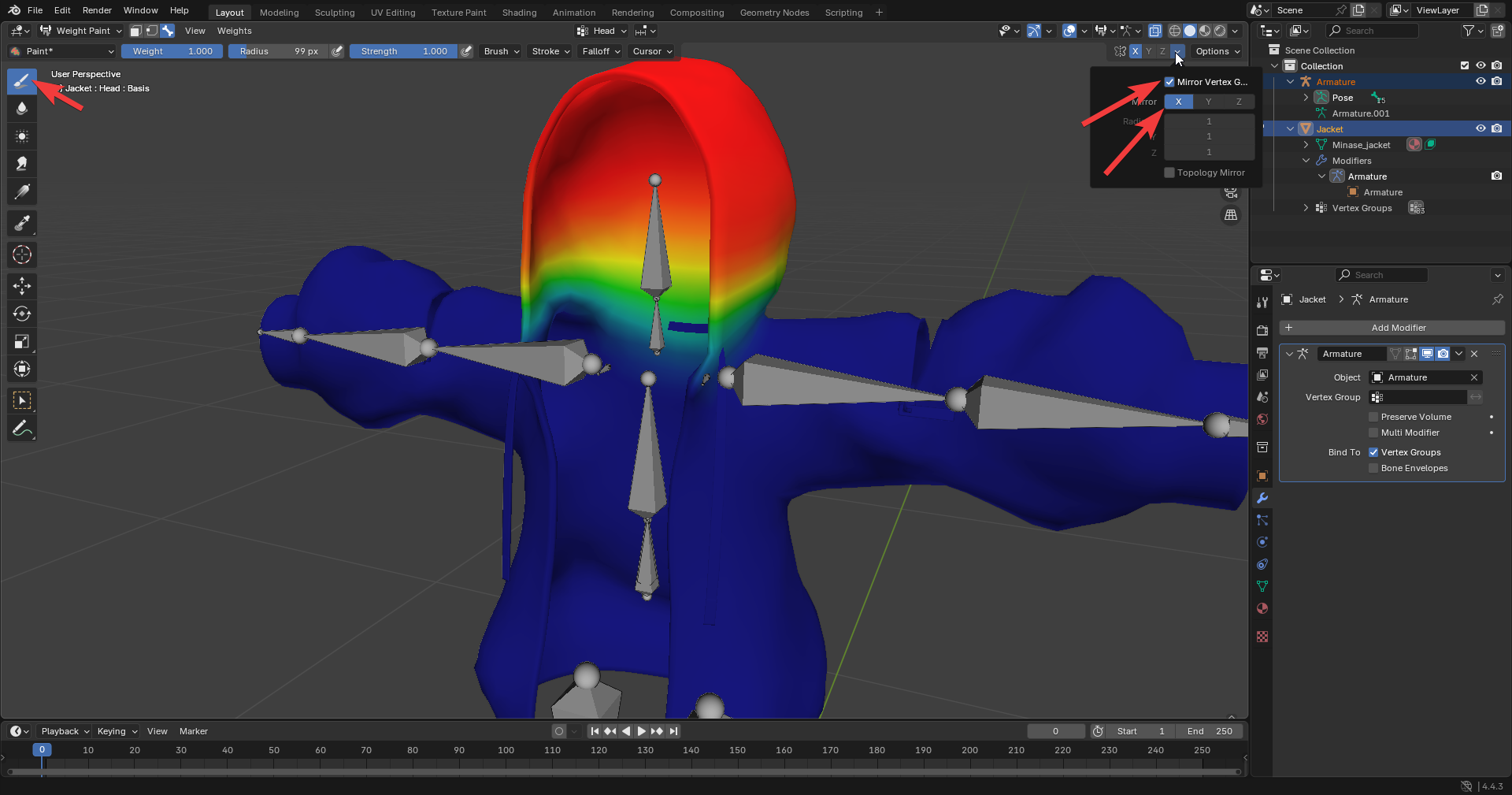
To mirror weight paints after editing one side:
Go to object mode, select mesh, edit mode, select half of mesh. Select a center vertex. Select “Select” in layout, “Side of active”, in options below select “Positive” or “Negative” axis depending on the side you want selected. The half that needs to be changed must be selected.
Go back to object mode, select rig, then mesh, enable weight paint mode, select vertex selection, weights, mirror, enable all groups. Disable vertex selection and compare bones to ensure it worked.
NOTE
These methods won’t work if the mesh isn’t symettrical. See the below video for more details. https://www.youtube.com/watch?v=Ha_YU5xJsSc